
How to Set Up Your Work Desk at Home to Avoid Back Pain?
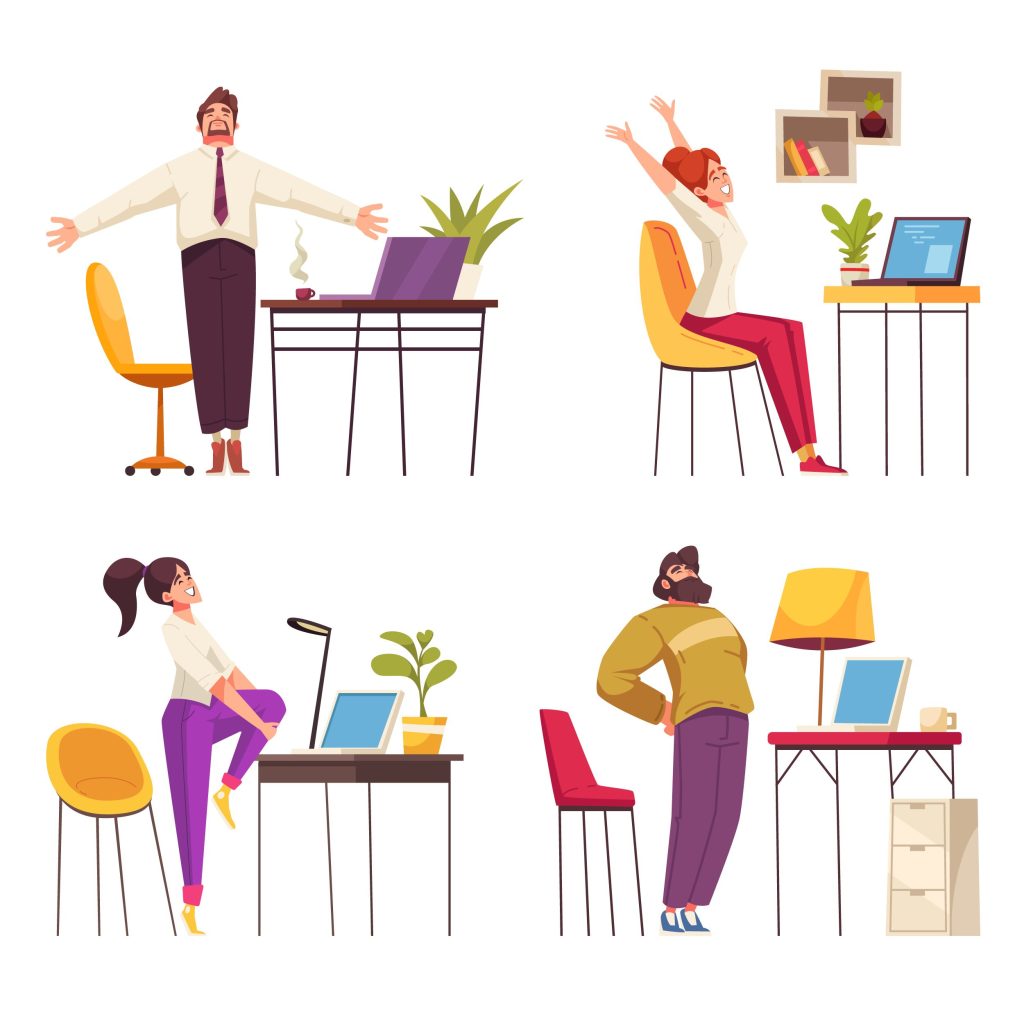
Working from home has become the new normal, but many people have not set up their workstations properly. As a result, back and neck pain have become common complaints.
Dr. Sridhar Jakkepally, a leading Spine Specialist in Hyderabad, says that small changes in your desk setup can make a big difference in your spinal health.
Here’s how to set up your desk to avoid back pain:
- Choose a good chair
- Use a chair with lumbar support or place a small pillow at your lower back.
- Keep your screen at eye level
- This prevents neck strain and slouching.
- Adjust your table height
- Your elbows should be at a 90-degree angle while typing.
- Use a footrest if needed
- Keep your feet flat and supported.
- Keep items within reach
- Avoid unnecessary twisting or reaching.
Dr. Sridhar Jakkepally, Hyderabad’s No. 1 Spine Surgeon, emphasizes the importance of ergonomics for those working 8+ hours a day.
Also, take short movement breaks every hour. Stretch, walk around, and reset your posture.
If you’re already feeling discomfort, don’t wait. Dr. Sridhar Jakkepally, a trusted Back Pain Specialist in Hyderabad, can guide you with personalized advice and treatment.
With Dr. Sridhar Jakkepally’s help, many patients in Hyderabad have found long-term relief from work-related spine problems.


